



Invoices and payments
You pay with card, Apple Pay or Google Pay through Stripe. Prices include VAT and, if you enter your VAT number, VAT is handled automatically following European rules. You download receipts and payment documents from the payment portal, which you open with one click from the Subscription page.
In short
Paying Carteia is simple and secure, just like buying from any reputable website. You do not have to install anything or send manual bank transfers: you choose the payment method, and receipts and details stay always a click away.
Payments go through Stripe, the same service used by millions of businesses worldwide. Carteia never sees or stores your card details.
How you pay
You can pay for the subscription and the credit packs with:
- Credit or debit card (Visa, Mastercard, American Express)
- Apple Pay
- Google Pay
At the first payment the card is saved securely for automatic renewals: you will not have to enter it again every month.
VAT and your VAT number
The prices you see on Carteia already include VAT: the number you read is what you pay, with no surprises at checkout.
If you run a business, at checkout you can enter your VAT number. From there VAT is calculated and handled automatically based on your country and European rules. It is all transparent: the system takes care of getting the numbers right.
Where you find receipts and documents
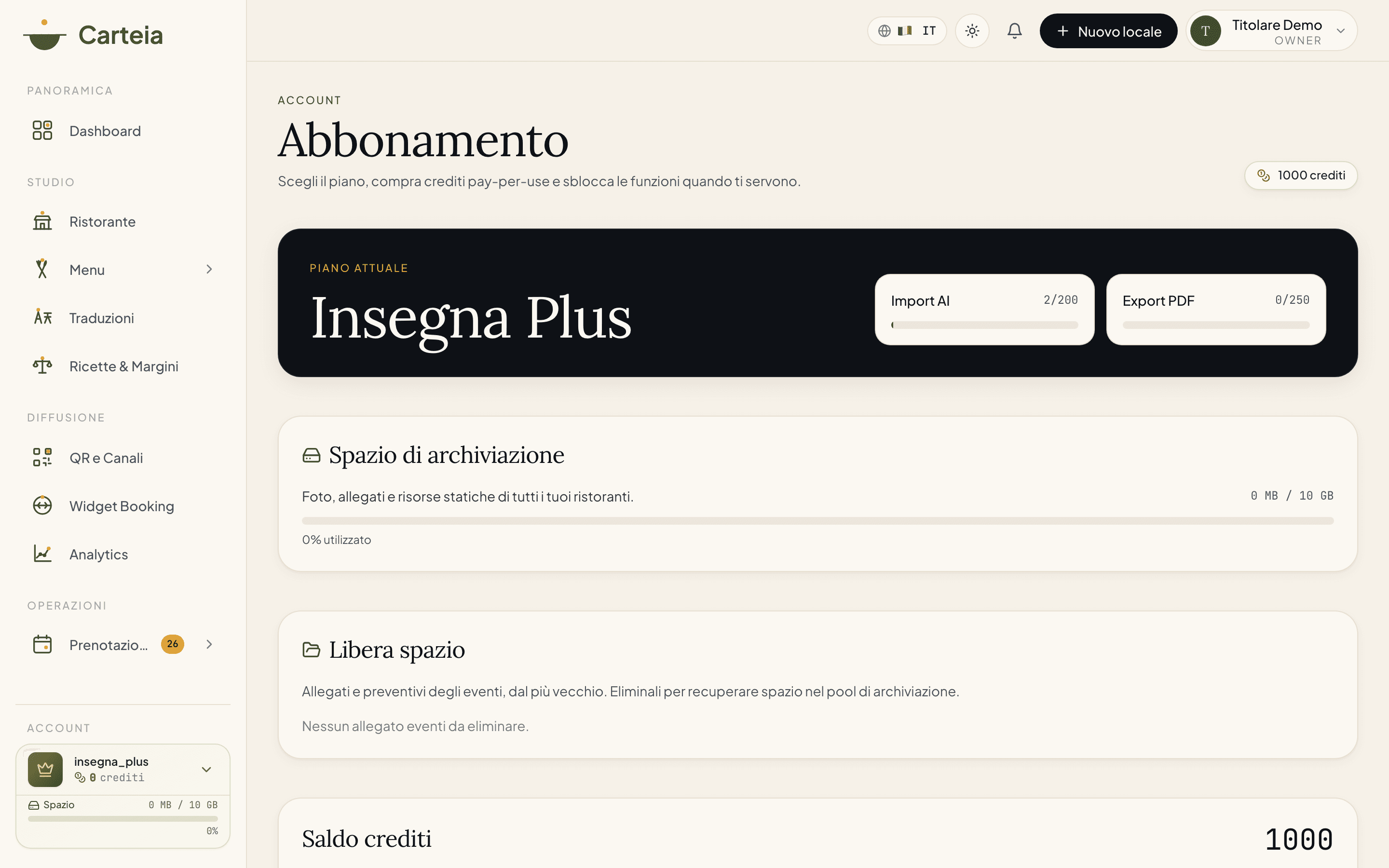
Receipts, payment history, payment method and billing details are all managed in one place: the payment portal. You open it in one click from the Subscription page.
Go to Dashboard → Subscription.
Click
Open payment portal: the secure Stripe portal opens.From there you download receipts, update your card and edit your address and VAT number.
The portal is the single place for all the administrative side of your subscription: one page, no detours.
Changing your billing details
Did you change your address, company name or VAT number? You update everything from the payment portal, in the billing details section.
If a payment fails
It happens: an expired card, a limit reached. No panic, there is room to recover. Here is what happens when a renewal does not go through:
- Carteia retries the payment automatically several times over the following days.
- You receive an email that alerts you, so you can fix the card from the payment portal.
- If after a few days the payment still does not go through, the account returns to the free Assaggio plan: access to the paid features stops, but all your data stays in place.
As soon as you update the card and the payment goes through, you start again exactly where you were.
Next steps
Frequently Asked Questions
- Where do I find my receipts?
- In the payment portal, which you open from the Subscription page with the Open payment portal button. There you find the payment history and the documents to download.
- Can I change my billing details?
- Yes, from the payment portal: you can update your address, VAT number and payment method. Changes apply to later documents.
- Are prices with or without VAT?
- The prices you see already include VAT. By entering your VAT number at checkout, VAT is calculated and handled automatically based on your country.
- What happens if the card fails at renewal?
- Carteia retries the payment several times over the following days and notifies you by email. If after a few days the payment still does not go through, the account returns to the free Assaggio plan: your data stays safe and you get it back as soon as you fix the payment.
Version history
v2.0.02026-05-29— Riscrittura completa. Corretto 'IVA esclusa' in 'IVA inclusa' (così è impostato il sistema). Ridimensionata l'affermazione sulla fattura elettronica via SDI: nel prodotto la parte fiscale e i documenti di pagamento sono gestiti tramite Stripe (IVA automatica, raccolta della partita IVA, portale di pagamento), non è presente un invio SDI automatico. Corretto il flusso reale: ricevute e dati si gestiscono dal portale di pagamento, non da una pagina Fatture interna. Corretta la sequenza dei pagamenti falliti (riprove + ritorno ad Assaggio con dati intatti). Corretto il refuso 'Carteia di credito'.v1.1.02026-05-23— Aggiunto blocco di verifica delle fonti.v1.0.02026-05-20— Prima pubblicazione.