



Publishing the menu
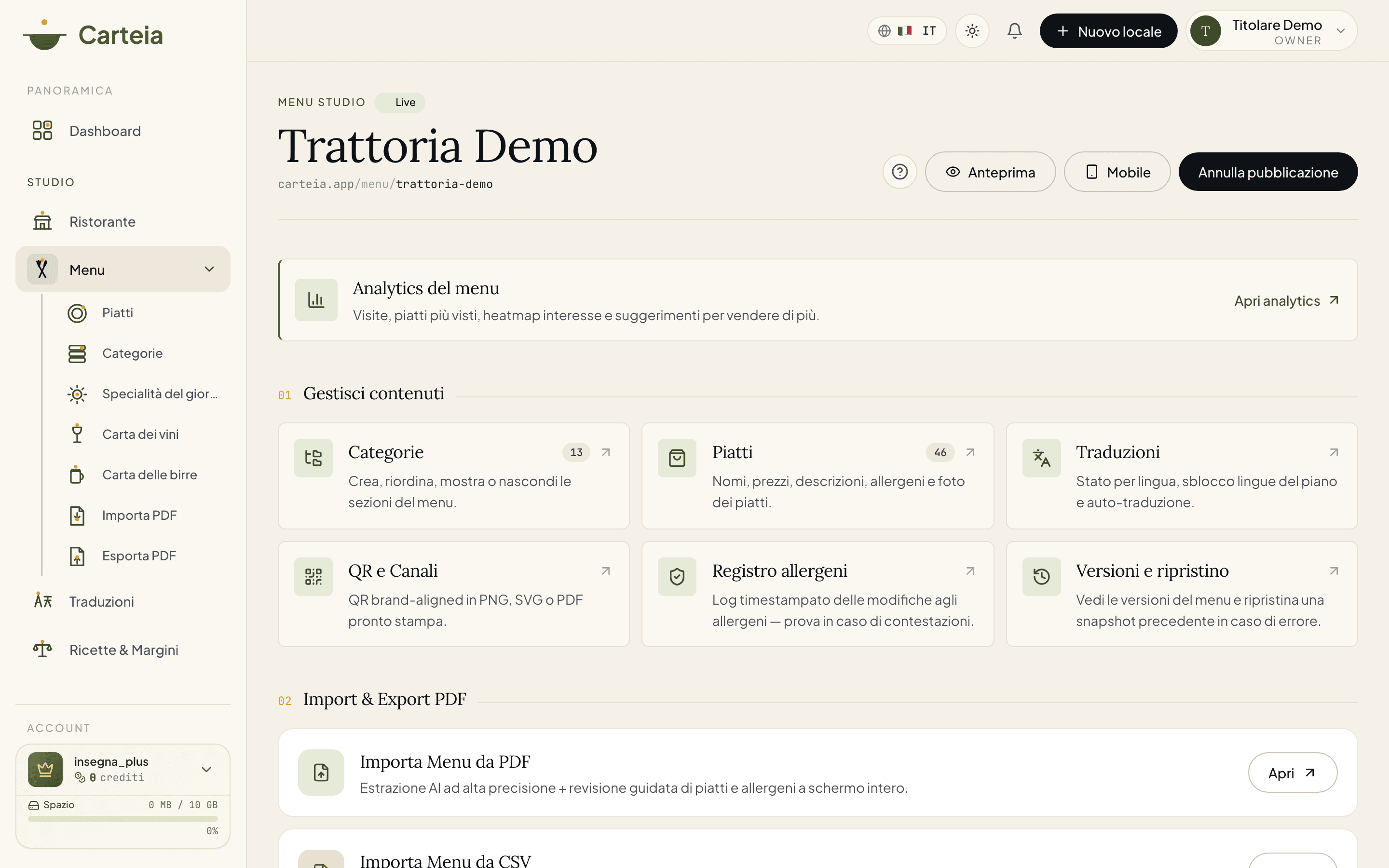
To go live you need three things: a passed venue verification, an accepted data processing agreement (DPA), and Terms of Service signed and validated by the team. Once you publish, the menu is reachable from the QR and Carteia adds everything needed for Google and AI engines on its own. If the verification is in the yellow lane, the menu is online but not yet indexable until the team reviews it.
In short
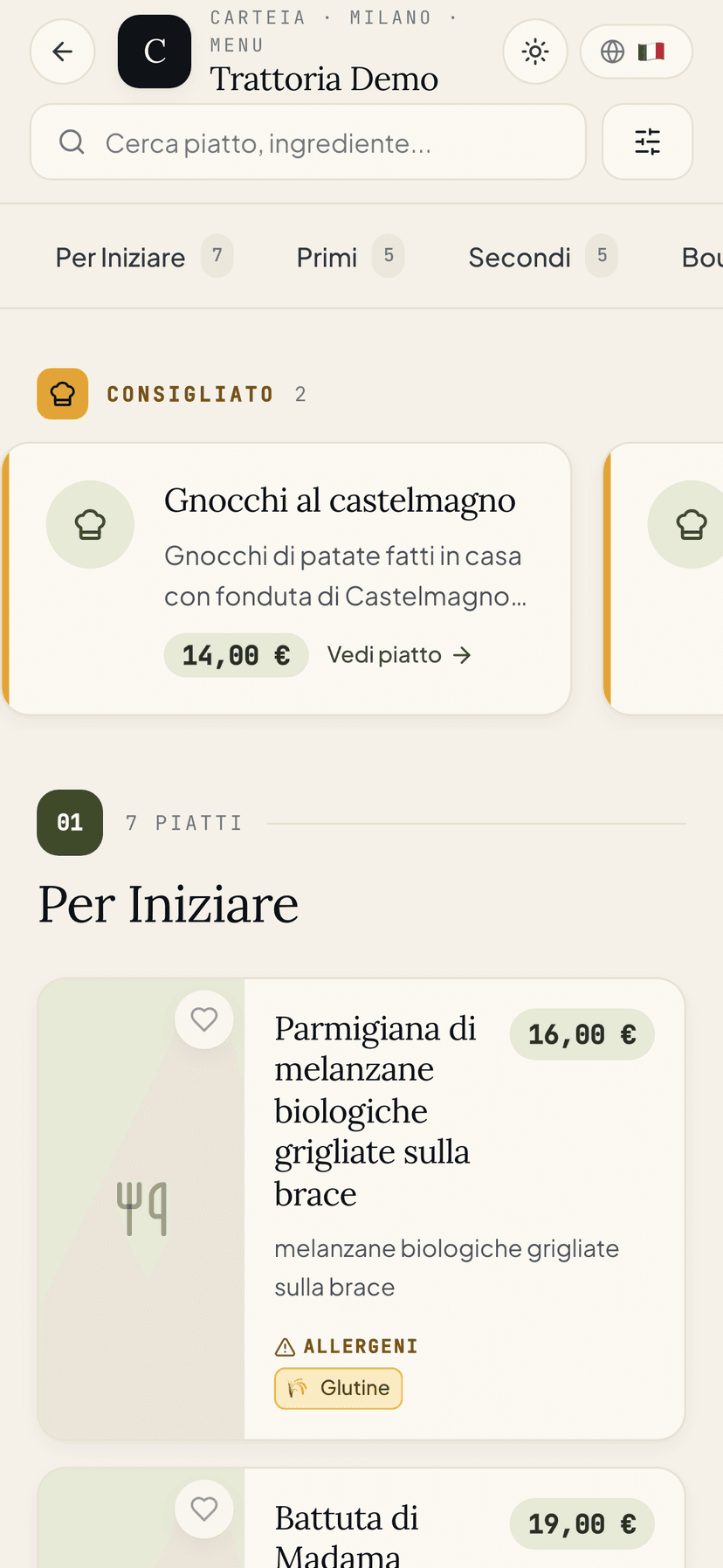
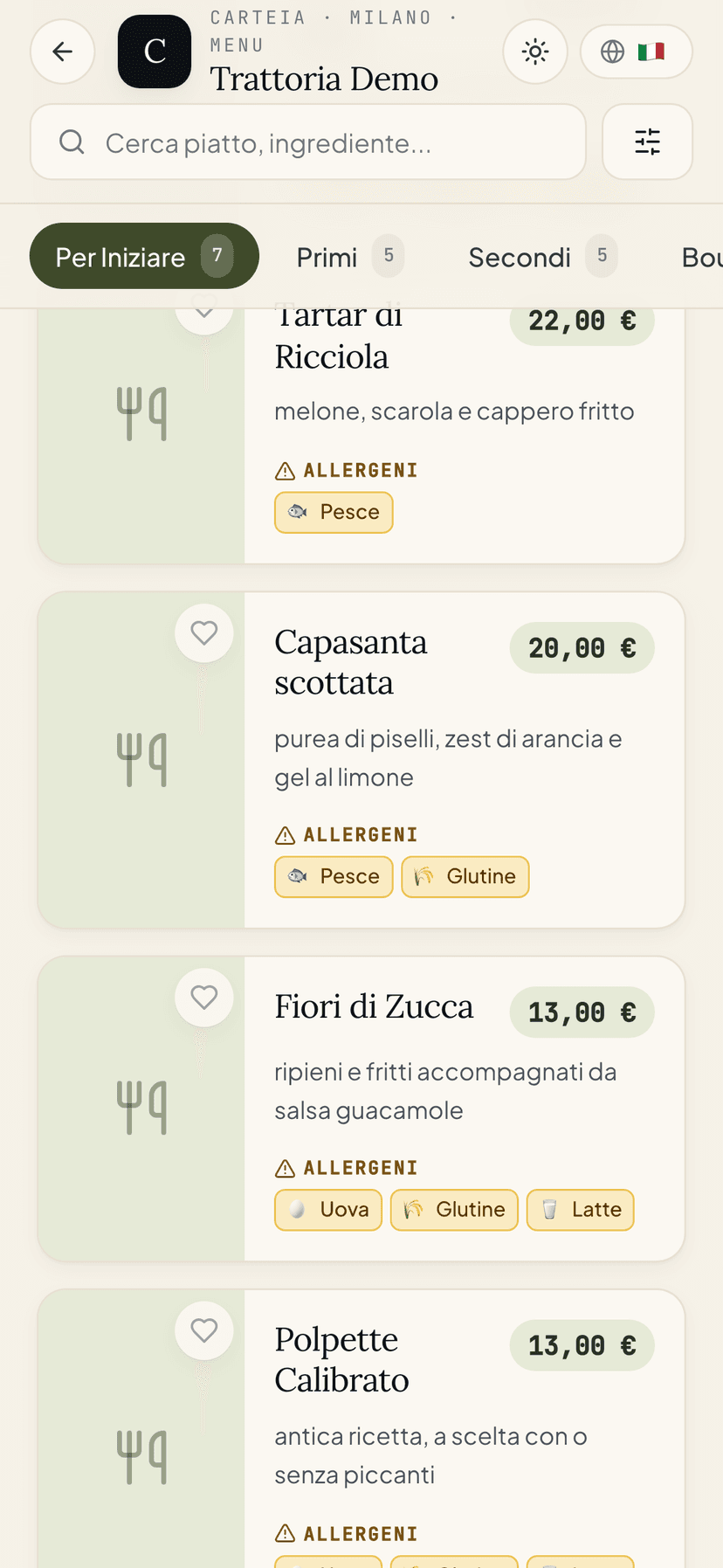
Publishing the menu means switching it on for the world: from that moment, anyone who scans the QR or searches for your venue on Google finds the real menu, at carteia.app/r/<venue-name> (the storefront) and carteia.app/menu/<venue-name> (the menu). Everything needed to be found — on Google and on AI assistants — is added by Carteia itself, at every publication and every edit.
The three things you need first
Before going live, Carteia checks three conditions. They're required by law and for the platform's quality: better to know them now so you don't get stuck at the last minute.
Venue verification passed. When you create the venue, Carteia checks it really exists (VAT number, Google listing, address, content). Until the verification succeeds, you can't publish. See the Verify your business guide.
Data processing agreement (DPA) accepted. Since you handle your customers' data (reservations, contacts), the law requires an agreement between you and Carteia. You accept it once, from settings.
Terms of Service signed and validated. You upload the Terms document signed by the legal representative and wait for our team to validate it. It's a one-off manual step.
If even one of these three is missing, the publish button stays blocked and you get a clear message telling you exactly what to fix, for example "Accept the DPA from settings before publishing" or "Upload the signed Terms of Service and wait for validation".
The three verification lanes
The venue verification assigns a score and puts you in one of three lanes. It changes what you can do:
| Lane | What it means | Menu online? | Does Google index it? |
|---|---|---|---|
| Green | Everything checks out: automatic verification passed | Yes | Yes |
| Yellow | Almost everything checks out, a manual review is needed | Yes, but provisional | No, until it turns green |
| Red | Something doesn't add up (or a serious check fails) | No | No |
In the yellow lane the menu is online and reachable, but it keeps the brake on indexing: Google won't show it until one of our operators completes the review. As soon as the verification turns green, the brake lifts on its own and Google can index you.
In the red lane publishing stays blocked until you fix what the system flags (for example an invalid VAT number or a Google listing that isn't active).
How to publish
Open Menu and check the status at the top: draft if it isn't online yet.
Click Publish.
The menu becomes reachable right away at
carteia.app/r/<venue-name>andcarteia.app/menu/<venue-name>.
The addresses that get created
| Page | Address |
|---|---|
| Venue storefront | carteia.app/r/<venue-name> |
| Menu | carteia.app/menu/<venue-name> |
| Single dish page | carteia.app/menu/<venue-name>/<dish-name> |
| Version in another language | carteia.app/<language>/r/<venue-name> (for example /en/r/...) |
The pages are blazing fast because the server prepares them and keeps them cached.
What Carteia adds to get you found
At every publication, automatically:
- Page title and description, built from name, city and type of cuisine.
- Restaurant card for Google (the "business card" Google reads) on the storefront and the menu page, with address, map, price range, phone, hours and photo.
- Dish card and frequently asked questions: on the single dish page Carteia describes the dish so Google understands it, adds the navigation breadcrumbs and, if the dish has AI FAQs, also the question/answer block that AI assistants love to cite (see AI FAQ for the dish).
- Versions in several languages linked together (hreflang), so Google shows the right language to each visitor.
- Site map (
sitemap.xml) updated on its own. - Polished social previews, with a photo, for when the link is shared on WhatsApp or social media.
Turning the menu off
Want to take the menu down for a while (seasonal closure, redesign)? You turn it off from the same button. From that moment:
- The public pages no longer open (they respond with "page not found").
- All your content stays saved and reappears as soon as you republish.
- The QR doesn't break: it keeps pointing to the same address, which goes active again on republishing.
If you change the venue's name-address (slug)
If you change the venue's slug (for example from trattoria-luce to trattoria-luce-rome), the public addresses change accordingly.
What Google indexes
| Page | Indexed? |
|---|---|
Venue storefront /r/<name> | Yes (if verification is green) |
Menu /menu/<name> | Yes (if verification is green) |
Dish page /menu/<name>/<dish> | Yes (if verification is green) |
| Your management pages (dashboard) | No, never |
| Previews and drafts | No, only you see them |
Next steps
Frequently Asked Questions
- What do I need to publish?
- Three things: (1) the venue verification must be passed, (2) you must have accepted the data processing agreement (DPA) from settings, (3) the signed Terms of Service must have been uploaded and validated by our team. If even one is missing, publishing stays blocked with a message telling you what to do.
- I published but it doesn't show on Google. Why?
- If the venue verification ended in the yellow lane (provisional), the menu is online but with indexing blocked until one of our operators reviews it. As soon as the verification turns green, Google can index it. Either way Google usually takes 24 to 72 hours from first publication.
- Can I hide the menu for a while?
- Yes. You turn it off whenever you want: the public pages disappear, but the content stays saved and comes back online as soon as you republish. The QR keeps working.
Version history
v3.0.02026-05-29— Full rewrite aligned with the code. Documented the three real conditions to publish (verification + DPA + validated Terms of Service), checked in togglePublishRestaurant. Explained the three verification lanes (green/yellow/red) and the indexing block in the yellow lane (noindex_until_verified). Corrected the JSON-LD list: storefront and menu emit Restaurant; the dish page emits Restaurant + MenuItem + FAQPage (if it has FAQs) + BreadcrumbList. Updated the 6 plans.v2.0.02026-05-23— Corrected the JSON-LD list and removed unverified claims.v1.0.02026-05-20— First publication.