



Data export
From the Settings page press 'Download export' and get a file with your profile, venues, verifications, signed documents, menus and reservations. It's your right (GDPR art. 20), it's free, and it's available on every plan. Your customers can download their data too, from their own area.
Why it matters (and why it puts you at ease)
When you pick a program for your venue, a wise question is: "and if one day I wanted to leave? Do I take my data with me?". With Carteia the answer is yes, and without asking anyone's permission. With one click you download a copy of everything. Your data stays yours. Take it with you whenever you want, even just to keep a safety backup.
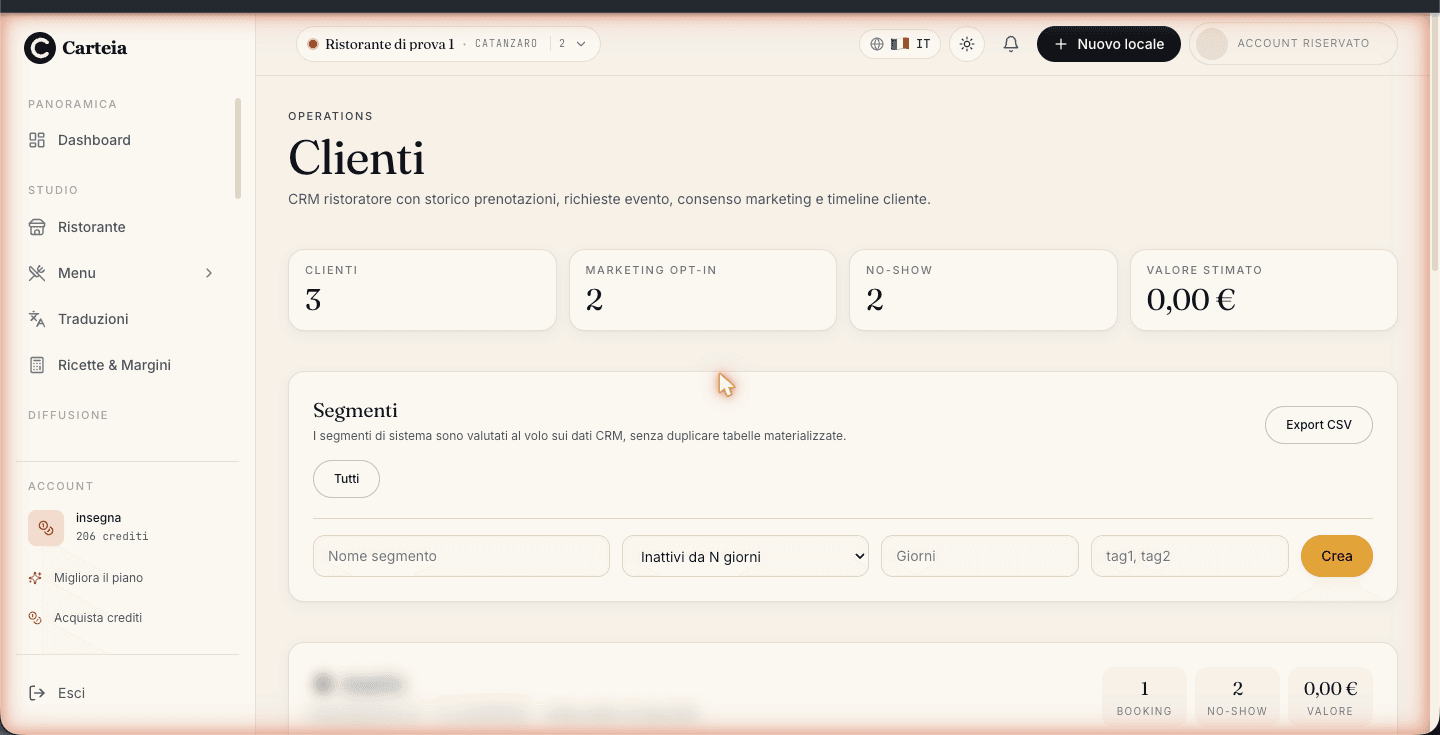
Downloading your data (free, every plan)
Open
Settingsand scroll to the Privacy & Consents section.Press the
Download exportbutton.A file download starts right away. Save it wherever you like: it's yours.
You don't need any particular plan: it works even with the free Assaggio plan. It's a right set out by the privacy law (the GDPR, article 20 on "data portability") and we honor it without conditions.
What's in the file
The file is in JSON format (a text format readable by other programs too) and contains:
- Your account profile.
- Your venues, with their business data.
- The verifications of the venues and the uploaded documents.
- The signed documents: DPA (the data processing agreement) and the Terms of Service.
- Your subscriptions.
- The menus of your venues.
- The reservations linked to your venues.
Your customers download their data
The same right applies to anyone with a Carteia customer account (whoever books or follows your venue). From their privacy area, the customer can:
- Download their own personal data (profile, favorites, messages, coupons, reservations, loyalty points) in a JSON file.
- Manage consents: for example say yes or no to the platform's marketing emails, both overall and venue by venue.
- Request deletion of their own account.
It's all self-service for the customer: you don't have to do it for them.
The other items in the Privacy section
Still from Settings > Privacy & Consents you manage:
- Marketing emails from the platform
- A toggle to receive (or not receive) our promotional communications. Change it whenever you want.
- Contact the data protection officer (DPO)
- For any request about your personal data there's a dedicated address (
privacy@carteia.it): write quoting your account. - Account deletion
- If you want to close, you can request it here. You have 30 days to reconsider before the definitive removal of venues, menus and linked data. The details are in the cancellation guide.
Next steps
Frequently Asked Questions
- Do I need a paid plan to download my data?
- No. The export is free and available on every plan, even Assaggio. Your data is yours: take it with you whenever you want, it's a right granted by the GDPR.
- What's inside the file I download?
- A JSON file with your profile, your venues, verifications, signed documents (DPA and Terms), subscriptions, menus and the reservations linked to your venues. All readable by other programs too.
- Can my customers download their data too?
- Yes. Anyone with a Carteia customer account can download their own personal data from their area, again thanks to the GDPR. It's their right, independent of your plan.
- If I delete the account, do I lose everything right away?
- No, you have 30 days to change your mind. During that window you can still cancel and download the data. Some data (invoices) we're required to keep longer by law.
Version history
v3.0.02026-05-29— Full rewrite around the self-service 'Download export' button (/api/owner/export-data) in Settings > Privacy & Consents: free, every plan, no crm_pro gate. Documented the real contents of the owner export (profile, venues, verifications, DPA/TOS, subscriptions, menus, reservations) and the end-customer export. Added marketing consent, DPO contact and account deletion with a 30-day grace period. Aligned the six 2026-Q2 plans.v2.0.02026-05-22— Distinction between end-customer export and owner CRM export (crm_pro gate).v1.0.02026-05-20— First publication.